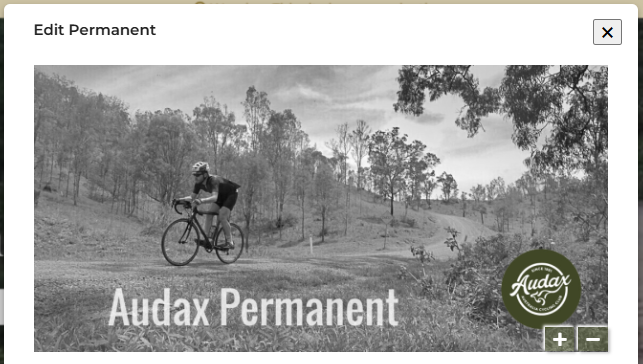
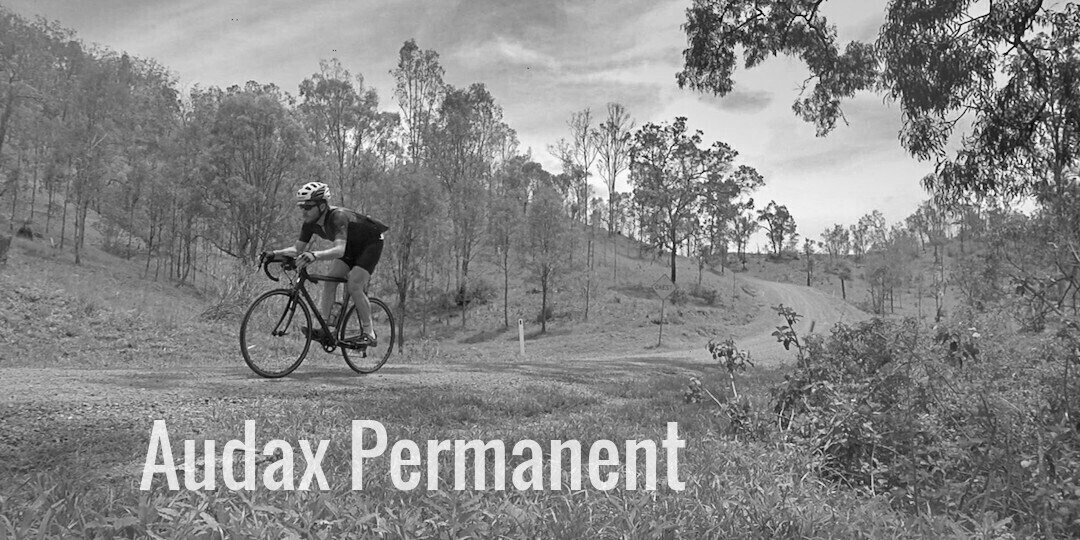
Ride Organisers are encouraged to create a banner for all Permanents and Events.
- Find an image that best represents your ride.
It should have a minimum width of 600px - Go to your favourite editor
Upload the image
As an option, you can manipulate the image
Example: lunapic.com Upload
- Crop the image to be width:height ratio 2:1
Example: lunapic.com Edit > Crop Image
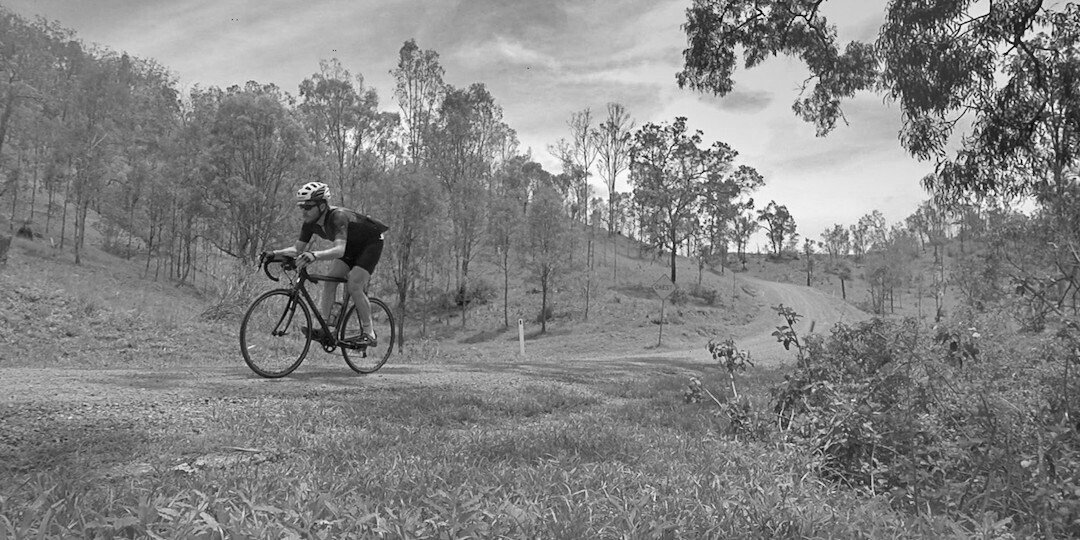
- Add the name of the Permanent or Event as text
Example: lunapic.com Draw > Text Tool
- Add the Audax Australia logo
Example: lunapic.com Effects > Blend two Images
- Save image
Example: lunapic.com File > Save Image
- Then add it to your Permanent or Event